Stay accurate
Do not invent titles, dates or results. Instead, describe only the work, study and skills you can discuss.
Use this resume builder editor to prepare a clear CV for Gulf job applications. First, add your details and review the live preview. Then, choose a template and download PDF or Word when you are ready.
First, add your details and review the live preview. Then, choose a template and download PDF or Word when your CV is ready for Gulf job applications.
Make it easy for employers to contact you.
Keep it accurate. Include experience and qualifications you can support.
Start inspired
Get a head start with layouts you can customise. Sample previews stay fixed. Choosing one updates only your live preview.
Keep every detail honest. First, match your target title to roles you can apply for. Also, leave private documents out of the CV.
Do not invent titles, dates or results. Instead, describe only the work, study and skills you can discuss.
For example, leave passport numbers, bank details and ID document numbers off the resume.
First, save an editable backup. Then, use the live preview to catch missing dates or unclear bullets.
Choosing a layout changes only the live preview. However, sample cards keep their own example wording. As a result, trying a design does not replace the name, dates or jobs you already typed.
A swatch changes heading colour. However, it does not rewrite your sentences. Therefore, pick a shade that still prints clearly. Also, keep the same facts when you try another colour.
First, use a phone number with its country code, plus your current city and country. If a vacancy asks for a licence, name the one you hold and the issuer. However, leave identity numbers and bank details off the CV.
First, keep your full history in the draft. Then, move the most relevant roles and skills higher for a specific advert, and shorten the rest. However, do not alter dates or job titles to match the posting.
Signed-in AI help can improve a summary or bullet using facts already in the draft. However, it must not invent an employer, a number or a qualification. Therefore, keep only lines you can explain in an interview.
After you download, open the file on your device. Next, confirm the email, phone and page breaks. Also, copy a paragraph out to check that the reading order is still clear.
First, review examples and layouts. Then, return to the resume builder editor to finish your draft.
For wider skills guidance, see the International Labour Organization skills pages. In short, the resume builder editor is a practical workspace: organise your information, choose a professional format, and export a file you can review before any application.
Practical career advice articles on resume writing, job applications, interviews and Gulf hiring — so you can improve your CV with clear, honest guidance.

Gulf Career Group Editorial Team · Oct 15, 2026

Gulf Career Group Editorial Team · Oct 14, 2026

Gulf Career Group Editorial Team · Oct 14, 2026

Gulf Career Group Editorial Team · Oct 14, 2026

Gulf Career Group Editorial Team · Oct 14, 2026
Gulf Career Group Editorial Team · Oct 4, 2026
A strong application starts with accurate information. First, complete your contact section. Then add recent experience and education. After that, list skills you can discuss in an interview. Finally, choose a professional layout and export your file.
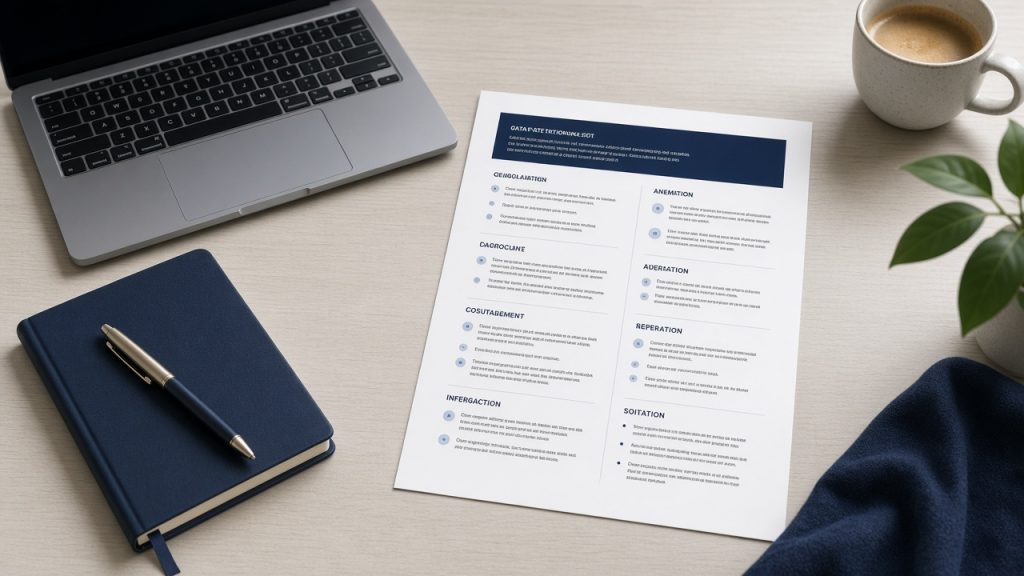
Follow the steps in order so your draft stays easy to check. In addition, keep each entry short and accurate so recruiters can scan it easily.
Add your name, target role, email, phone and city. For example, include your phone’s country code.
List real jobs with dates and clear responsibility bullets. For example, explain a task you handled and the tools you used.
List the qualifications you completed. For example, name your diploma, institution and graduation year.
Tools, languages and certificates you can support.
A short introduction based on your own facts.
Template, colour, final review and download.
Frequently Asked Questions
Clear answers before you finalise your CV for Gulf job applications.
Open the editor, then complete Contact, Experience, Education, Skills and Summary. Review the live preview, choose a template, and download PDF or Word when you are ready.
Employers may use either term for a document that summarises your qualifications and experience. Follow the vacancy instructions for length, sections and file type.
Include contact details, a clear professional summary, recent work experience, education and skills. Add genuine certifications, languages or licences when they matter to the role.
Check the application instructions. Do not assume every Gulf employer requires a photograph or personal status details. Keep identity documents out of the CV itself.
No. Applicant tracking systems vary. A clear structure and accurate wording help, but no template guarantees an ATS result, interview or job offer.
Use the file type requested in the job advertisement. Open the exported file and check page breaks, contact details and text order before you apply.
Use the length that explains relevant experience clearly. One page can work for early-career applicants; two pages may suit a longer work history. Avoid shrinking text only to force a page count.
Keep a master copy, then adapt the summary, skills and strongest examples for each role. Tailor the evidence — do not invent qualifications.
CV-related career advice explains common mistakes, clearer wording and Gulf hiring expectations. Read recent guides, then apply only the tips that match your real experience.
Use View more to open the Career Advice section. You can also browse resume templates and resume examples, then return to the resume builder editor to update your draft.
Fill basic details to continue to the full candidate registration page.
Create employer account to manage job posting.
Login to apply for Gulf jobs and manage your candidate dashboard.
Login to manage employer dashboard and job posting.
Create an employer account to post jobs and manage your employer dashboard.